Spreadsheets
Introduce learners to Google Sheets by exploring the basics of rows, columns, and cells while practicing how to enter, format, sort, filter, and share data effectively. Purchase to teach this workshop in your community.
End User License Agreement
Download the Slide Deck
Download the Lesson Plan
Download the Handouts

The curriculum includes 3 files: a slide deck, a lesson plan, and printable learner handouts.
This beginner-friendly curriculum is designed for adult learners. The practice activities in the workshop require basic computer skills, such as clicking and typing. This workshop focuses on using spreadsheets on a computer; it is not recommended for learners with only mobile devices.
The workshop takes 1-2 hours to teach. At digitalLIFT, we often lead workshops in this format: 1 hour workshop followed by 1 hour open Q&A/tech help.
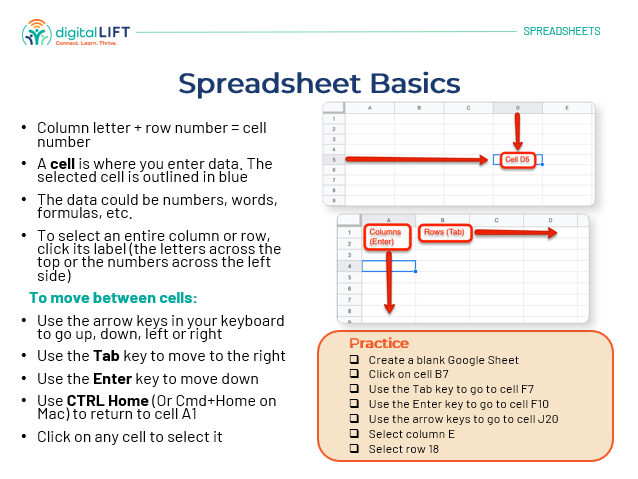
1) What are spreadsheets and what can they do? 2) Spreadsheet basics 3) Google Sheets Tutorial: Adding and editing data, formatting, sorting and filters, sharing spreadsheets 4) Resources for learning more 5) Practice
We recommend printing Handouts to distribute to your learners. The workshop instructor should use the lesson plan to prepare for and lead the workshop. During the workshop, you can alternate between sharing the slide deck and your instructional device, to demonstrate skills. Ideally, learners will practice during the class but those without a device can still benefit from the material.
You and your organization can use these downloaded files as long as you want, with as many digital literacy learners as you want. Though your access to this course will expire after one year, you should download all files to your own server, and can continue using them indefinitely.
Specific instructions and screenshots may change due to updates. When significant updates occur, digitalLIFT will update the curriculum files here and notify enrollees.